
Get the filter, skip the preset app
No VSCO, no Lightroom, no subscription. Pick a look below, copy its exact AI filter prompt, and apply it to your own photo for free.
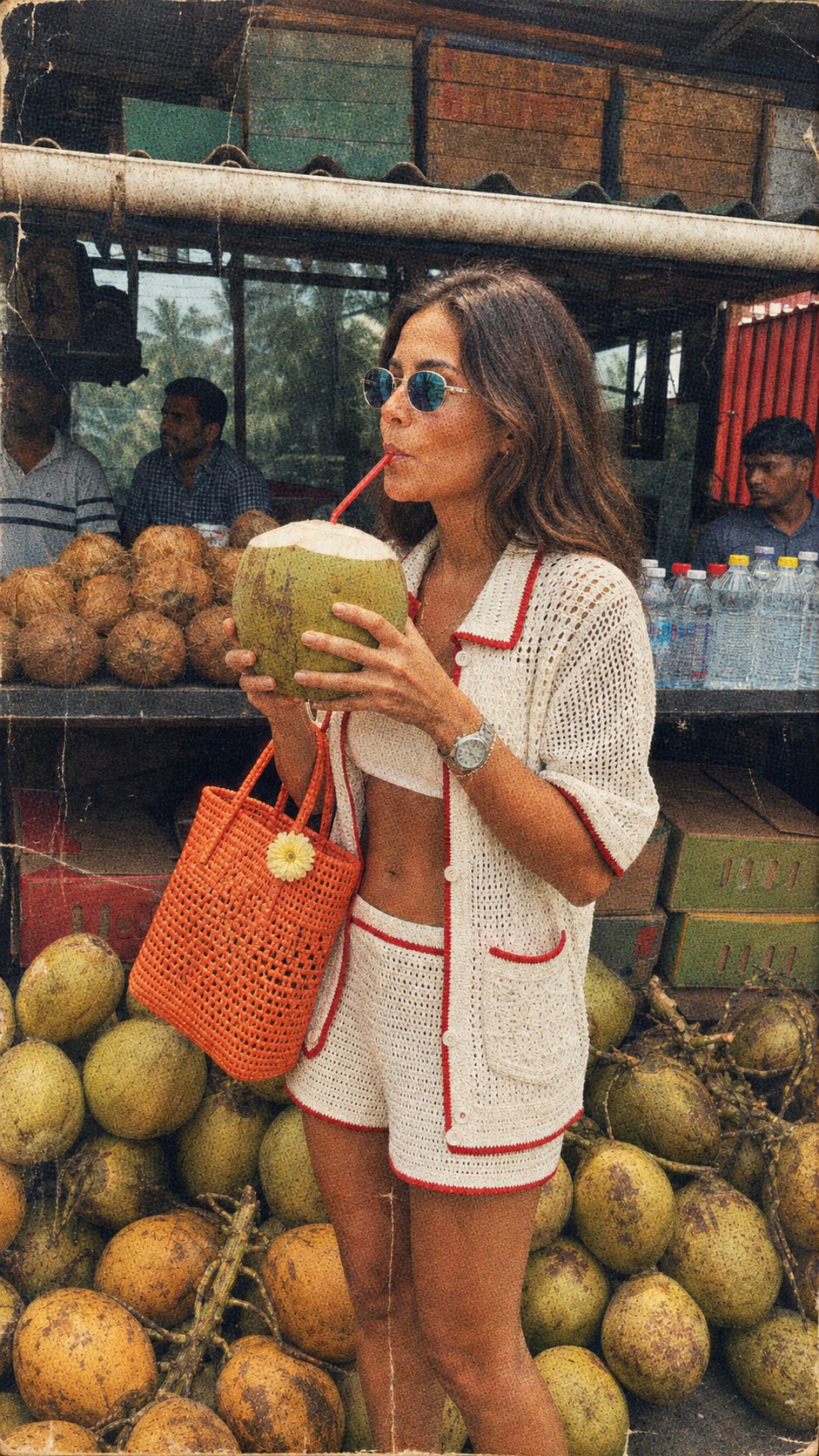
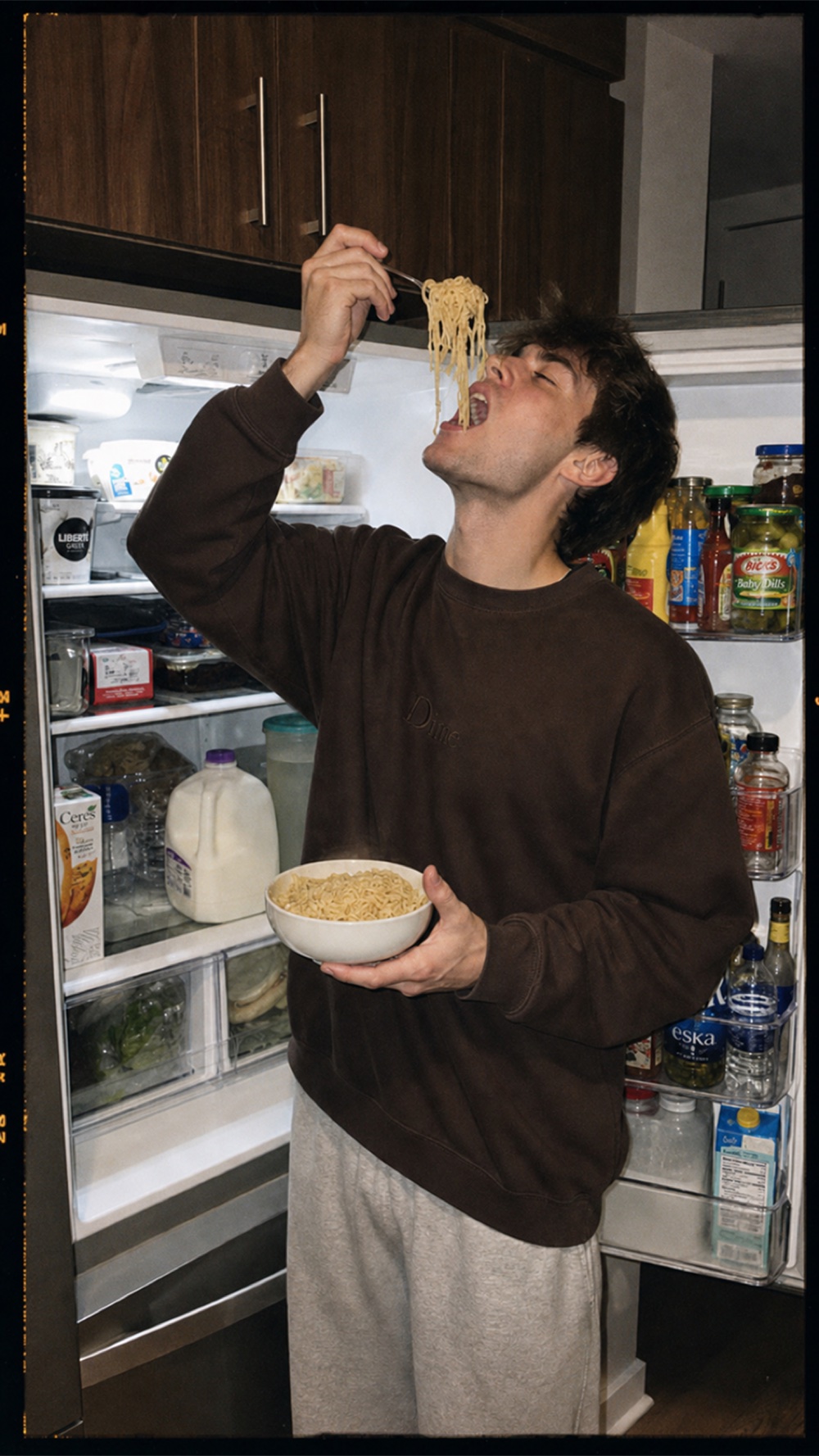
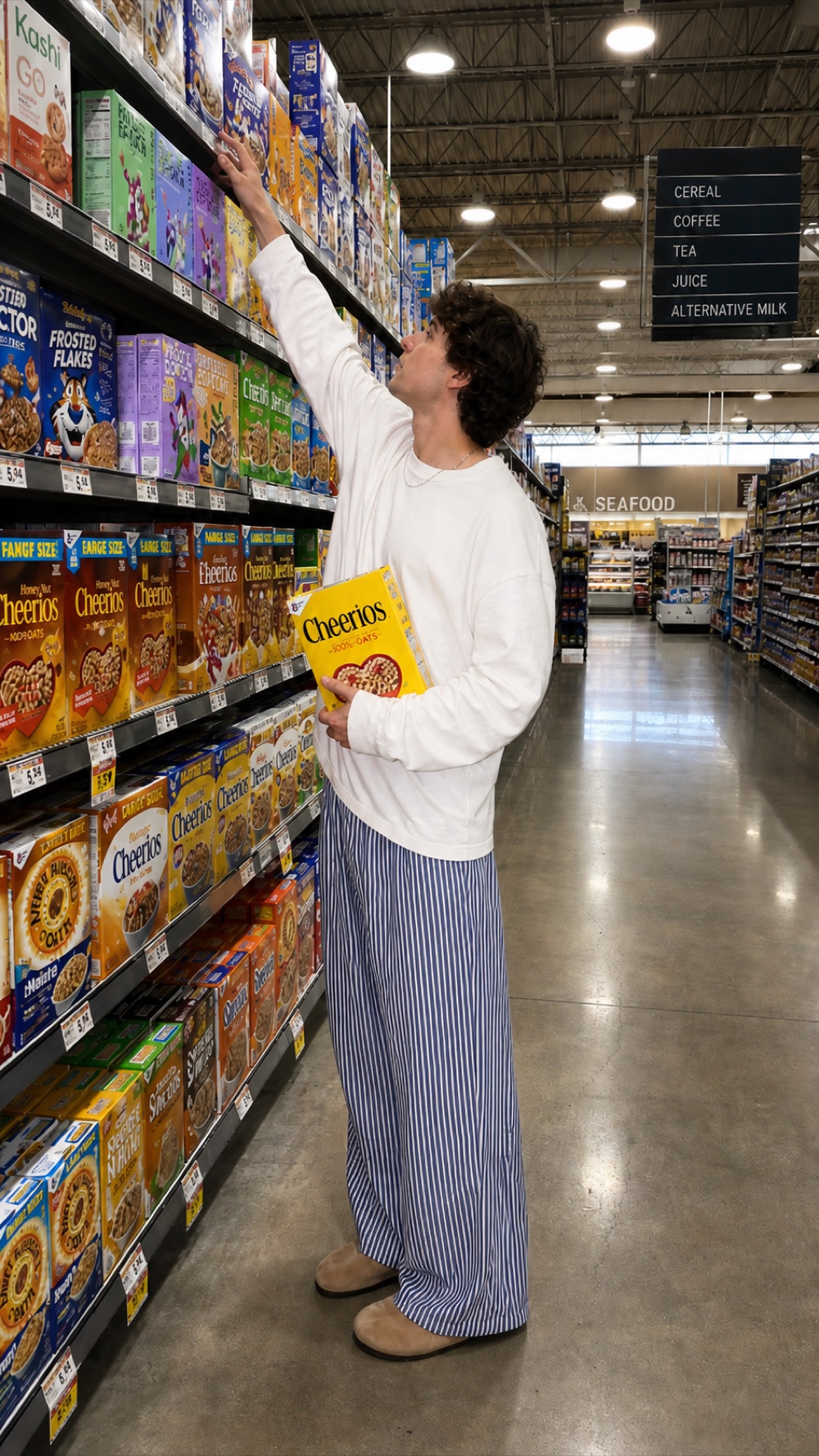
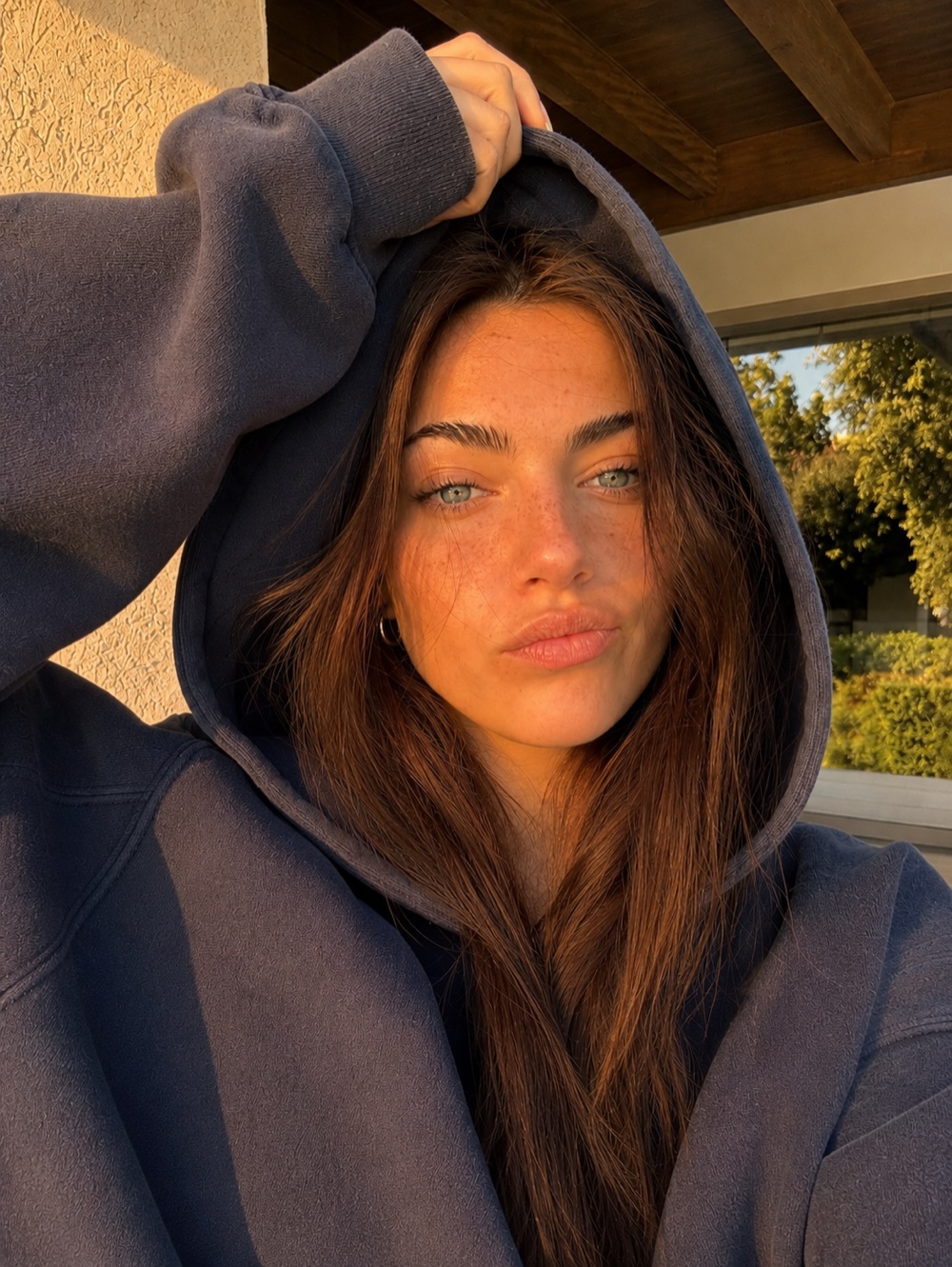
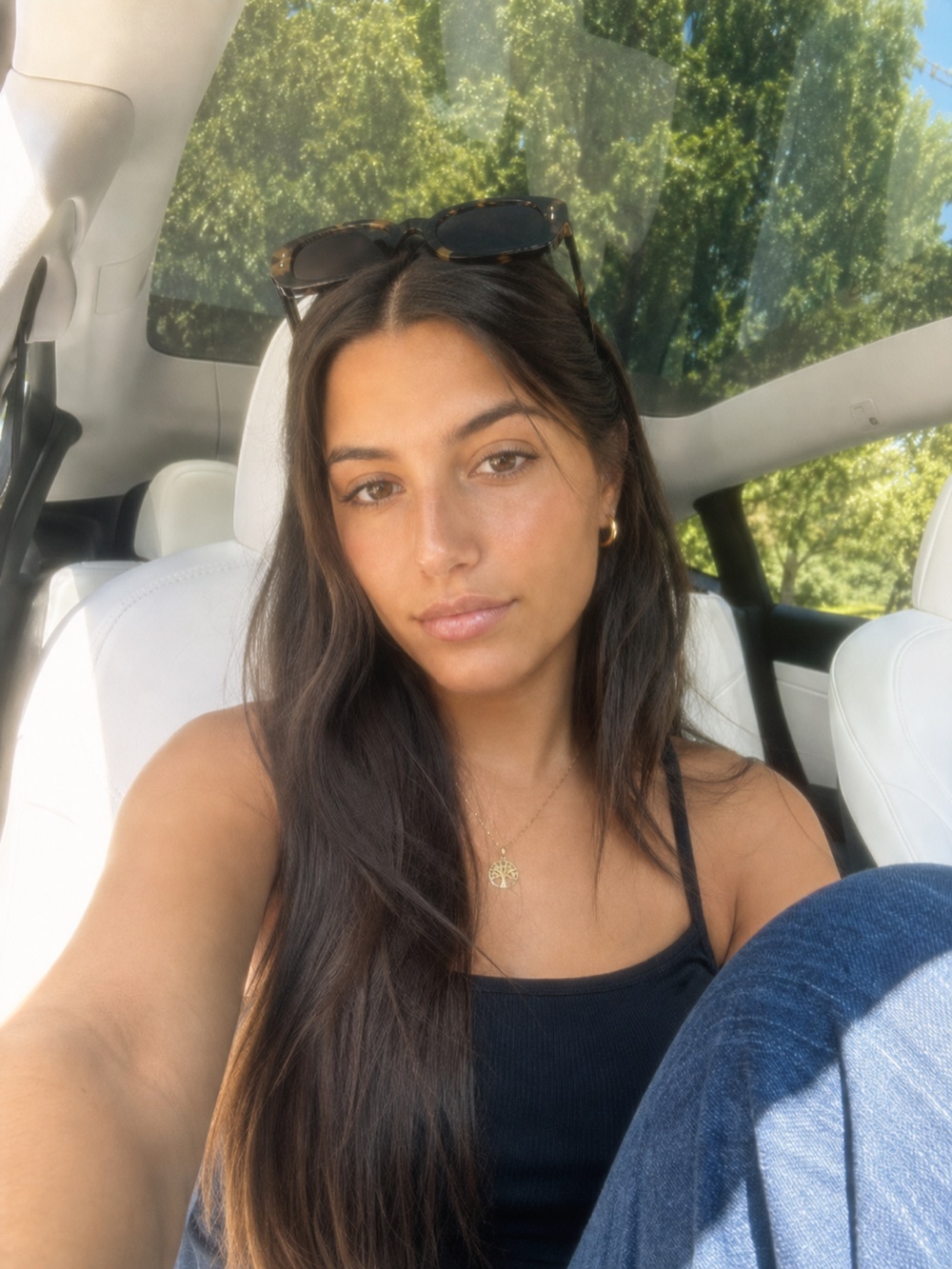
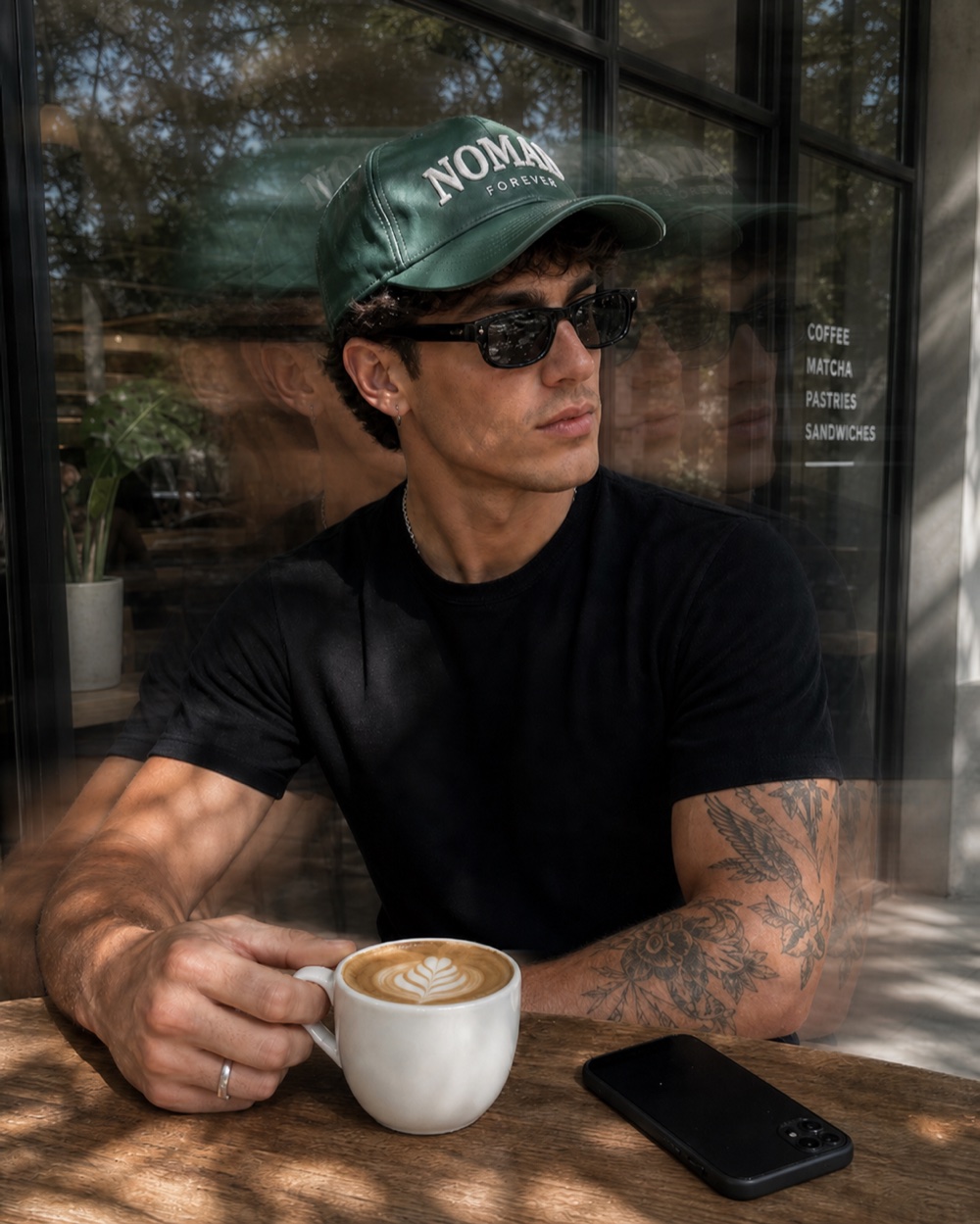
Preset apps solve
the wrong problem
You don't need another subscription or another app to get a specific film or camera look. You need the exact instructions for that look, so any AI model can apply it to a photo you already have.
Preset subscriptions add up
VSCO Plus runs $29.99/yr, VSCO Pro $59.99/yr, and Etsy Lightroom preset packs run $2 to $50 each, and most people buy more than one chasing a specific look.
Every filter here is a free prompt. No subscription, no per-pack purchase.
Presets don't work on every photo
Lightroom presets are tuned for the exposure and white balance of one specific shot. Apply the same preset to a photo lit differently, or one you already edited, and it often looks wrong.
These prompts reinterpret the whole image, so they work on any JPEG, screenshot, or already-edited photo.
You need the right app installed
VSCO, Lightroom Mobile, or whatever app made the preset, you have to download it, make an account, and import the pack before you can use it.
Paste a prompt into any AI image model you already have open. Nothing to install.
One preset, one fixed look
A preset is a set of sliders someone else chose. Want it warmer, grainier, or more washed out? You're stuck adjusting inside whatever range the preset allows.
Prompts are plain text. Change one word, one line, and the look changes with it.
From your photo
to any filter in 3 steps
No camera, no editing app, nothing to buy. Pick a look you love, steal its exact prompt, and apply it to a photo you already have.
Pick a filter
Browse the library below. Every look is a real camera or film aesthetic, no app or preset pack required.
Open its exact prompt
Hover a filter in the library to see the full prompt behind it, word for word.
Apply it to your photo
Use the prompt with your own photo in whatever AI model you like, or hit Generate for one pre-filled instantly, free.
Every filter,
as a prompt
Hover any card to read its exact filter prompt, then use it with any AI model you like, or generate it instantly, free.
Transform this image into an authentic vintage magazine scan while preserving the original composition, subject, pose, camera angle, framing, perspective, and lighting exactly.

Do not alter, replace, or reinterpret any objects or people. The only goal is to make the image appear as though it was printed in a magazine 20–30 years ago and later scanned on an old consumer flatbed scanner.

Apply realistic analog print characteristics:
• Subtle CMYK halftone dot pattern throughout the image.
• Slight ink bleed and print softness that gently reduces digital sharpness.
• Faded inks with muted saturation, lifted blacks, warm highlights, and slightly yellowed whites.
• Mild color drift with tiny cyan/magenta registration imperfections.
• Fine analog film grain blended naturally into the print.

Apply authentic scan artifacts:
• Soft scanner blur (not out-of-focus).
• Tiny dust particles, lint fibers, and white specks trapped during scanning.
• Hairline scratches and small surface scuffs.
• Faint scanner streaks and subtle uneven illumination.
• Slight edge softness.

Apply realistic paper aging:
• Gentle wrinkles and shallow creases that slightly distort the print.
• Minor fold marks crossing the page.
• Small worn areas, light abrasion, faint stains, and subtle discoloration.
• Slight paper texture visible under the print.
• Very light corner wear and handling marks.

The imperfections should feel naturally accumulated over decades—not like a grunge overlay. Keep all damage subtle, random, and physically believable. The image should still read as a genuine photograph first, with the aging only becoming noticeable upon closer inspection.

Avoid dramatic scratches, heavy distressing, exaggerated folds, fake vintage filters, HDR, excessive grain, oversharpening, strong vignettes, or obvious texture overlays. The final result should convincingly resemble a real magazine page from the late 1990s or early 2000s that has aged naturally and been scanned into a computer.
Keep creating
Tweak the prompt or use your own photo, free.
Vintage Magazine Scan
Halftone print, creases and scanner dust, like a page torn from a 90s magazine
## VINTAGE 35MM FILM EFFECT

Transform the image so it appears to have been photographed on authentic Kodak Portra 400 or Fujifilm 400 35mm film.

Preserve the subject, pose, clothing, facial features, framing, camera angle, environment, and composition exactly.

Characteristics:

• Soft highlight roll-off
• Muted contrast
• Slightly lifted blacks
• Fine natural 35mm film grain
• Organic color shifts
• Slight warmth in skin tones
• Creamy whites
• Gentle halation around bright highlights
• Soft optical bloom
• Slight lens softness toward the edges
• Subtle vignette
• Natural analog color response
• Matte print-like finish
• No digital oversharpening
• No HDR appearance
• No excessive saturation

The image should resemble an authentic 35mm negative scanned on a Noritsu or Frontier scanner rather than a digital image with a film filter.
Keep creating
Tweak the prompt or use your own photo, free.
Vintage 35mm Film
Warm, grainy analog film look from any digital photo
TrendingCAMERA STYLE: Captured on a Canon PowerShot G7 X Mark III using the built-in flash. Apply only the camera's optical rendering while preserving the original image, subject, composition, and lighting. Characteristics: • Direct on-camera flash producing bright, crisp frontal illumination • Soft flash falloff with subtle shadows behind the subject • Slightly overexposed highlights with smooth roll-off • Warm-neutral white balance • Natural Canon color science with creamy skin tones • Soft, slightly pastel colors • Moderate contrast with lifted shadows • Gentle lens softness and realistic compact-camera optics • Clean JPEG rendering with subtle sharpening • Authentic early-2000s/Y2K digital camera aesthetic The result should feel like a candid lifestyle photo taken with a Canon G7 X using direct flash, not a smartphone or professionally edited image.
Keep creating
Tweak the prompt or use your own photo, free.
Disposable Camera Flash
That blown-out direct-flash look, no film to develop
LIGHTING STYLE:

Authentic light golden hour captured approximately 30–40 minutes before sunset.

Natural low-angle sunlight enters from one believable direction, producing soft honey-colored illumination with a gentle warm color temperature between approximately 3800K and 4300K.

The light should feel bright, clean, and naturally sunlit rather than intensely orange or heavily cinematic.

Lighting Characteristics:

• Soft warm sunlight with subtle golden highlights
• Gentle directional lighting that adds depth without harsh contrast
• Smooth transition between highlights and shadows
• Delicate wraparound light across faces and surfaces
• Soft rim lighting where sunlight naturally grazes edges
• Slight increase in perceived dimensionality
• Realistic sunlight falloff across the scene
• Warm illumination on nearby walls, objects, and the environment
• Balanced exposure with preserved highlight detail

Shadow Characteristics:

• Soft elongated shadows created by the low sun angle
• Natural feathered shadow edges rather than sharp midday shadows
• Slightly warmer shadow tones caused by sunset bounce light
• Shadows remain detailed without crushing blacks
• Shadow direction remains physically consistent throughout the image

Color Characteristics:

• Warm honey and pale amber highlights
• Slight warming of whites and neutral surfaces
• Skin receives a healthy natural warmth without becoming orange
• Greens become subtly sunlit while remaining green
• Stone, concrete, wood, and architecture develop gentle golden reflections
• Blacks remain neutral
• Overall saturation increases only slightly

Atmosphere:

Bright, relaxed, premium lifestyle photography.

The lighting should feel naturally captured in-camera rather than edited afterward.

Avoid dramatic sunset colors, deep orange grading, excessive bloom, haze, lens flares, vintage filters, cinematic teal/orange color grading, sepia tones, or exaggerated HDR.

The final result should resemble an authentic smartphone or DSLR photograph captured during a clear early golden hour with realistic sunlight and physically accurate illumination.
Keep creating
Tweak the prompt or use your own photo, free.
Golden Hour Film Glow
Warm backlit glow like it was shot right at sunset
EFFECT STYLE:

Dreamy Haze

Apply only the dreamy optical effect while preserving the original image, subject, composition, colors, and lighting.

Do NOT alter:

- Subject identity
- Facial features
- Expression
- Pose
- Clothing
- Hairstyle
- Background
- Camera angle
- Composition
- Framing
- Crop

Characteristics:

• Soft cinematic diffusion across the entire image
• Gentle glowing highlights with natural bloom
• Creamy light halation surrounding bright areas
• Slight reduction in microcontrast
• Softened edge definition while preserving facial detail
• Delicate optical haze without appearing foggy
• Dreamlike atmosphere with subtle luminous softness
• Smooth highlight roll-off
• Slightly lifted blacks for a softer tonal response
• Natural depth with gentle atmospheric diffusion
• Premium diffusion filter aesthetic
• Slightly softened textures while maintaining recognizable detail

Color Rendering:

• Warm-neutral color balance
• Slightly desaturated colors
• Creamy whites
• Soft pastel rendering
• Gentle highlight warmth
• Skin remains natural with subtle luminosity
• No excessive color shifts

Lens Characteristics:

• Optical bloom rather than digital glow
• Realistic diffusion similar to a Black Pro-Mist or CineBloom filter
• Soft highlight bleed
• Minimal lens flare
• Smooth tonal transitions
• No artificial blur
• Preserve autofocus on the subject

Overall Look:

The image should feel softly illuminated, romantic, cinematic, and effortlessly dreamy, as though photographed through a premium diffusion filter on a professional lens. The effect should create glowing highlights and gentle atmospheric softness while maintaining a sharp subject and realistic image quality.

Avoid:

• Heavy Gaussian blur
• Fog effects
• Overexposure
• Excessive bloom
• HDR appearance
• Plastic skin
• Unrealistic glow
• Vintage filters
• Artificial haze
• Loss of important detail
Keep creating
Tweak the prompt or use your own photo, free.
Dreamy Haze
Soft warm glow and light bloom, like shooting through gauze
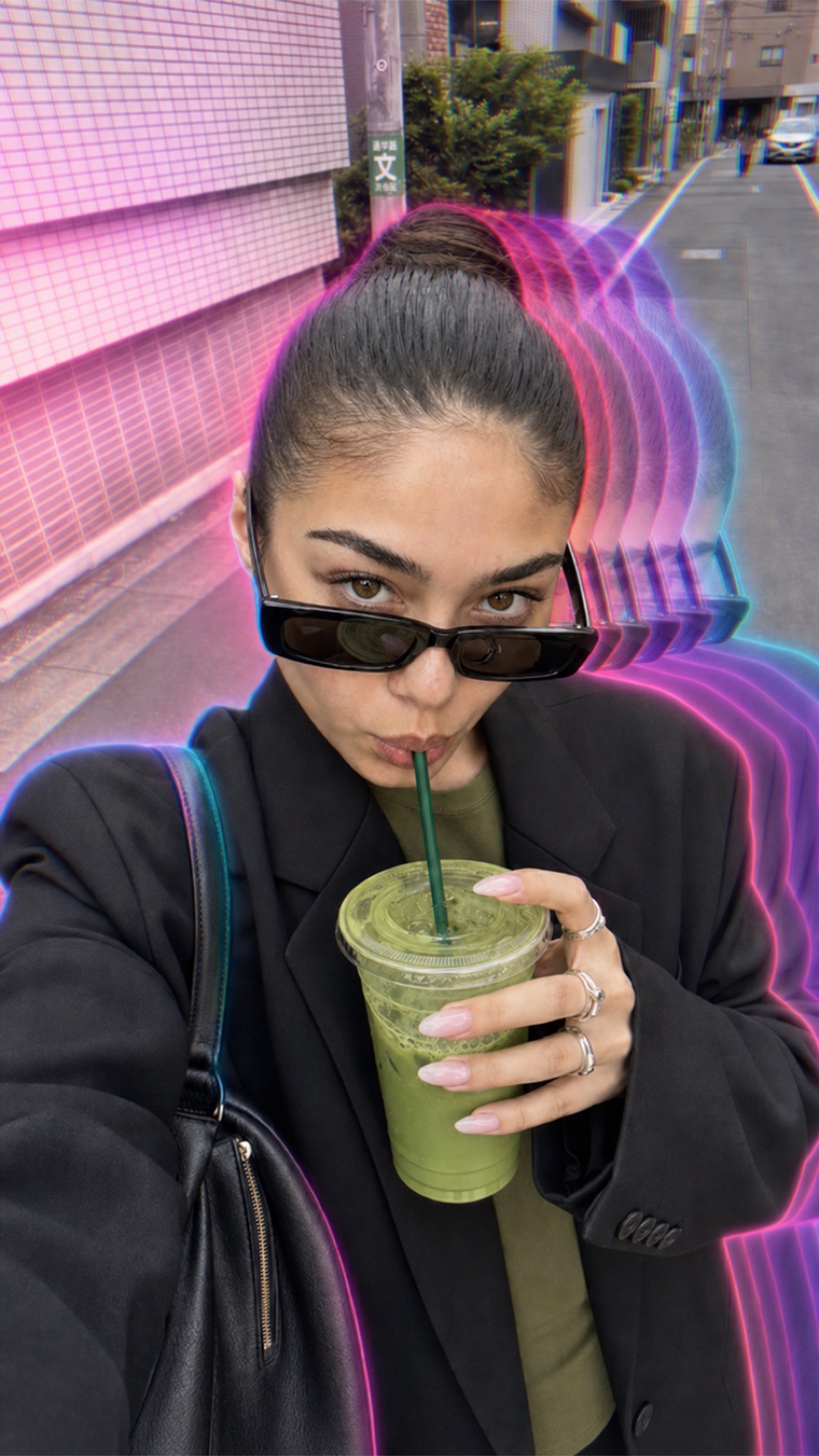
TrendingEFFECT STYLE: Echo Portrait and Shadow Motion Apply only the motion effect while preserving the original image, subject, composition, lighting, and colors. Characteristics: • Sharp, perfectly focused main subject • Soft translucent motion echoes surrounding the subject • Ghosted duplicate silhouettes created by realistic movement • Motion trails fade smoothly into transparency • Horizontal and subtle vertical motion blur around the body • Layered shadow-like duplicates with decreasing opacity • Slight cinematic softness around the echoes while the main subject remains crisp • Cool atmospheric depth with gentle diffusion • Dreamlike, surreal movement captured in a single long-exposure photograph • Smooth optical motion blur, not digital smearing • Clean separation between the sharp subject and the blurred echoes The result should feel like a professionally captured long-exposure portrait where movement creates elegant ghosted shadows around a perfectly still subject, producing a cinematic, ethereal aesthetic.
Keep creating
Tweak the prompt or use your own photo, free.
Echo Portrait & Shadow Motion
Ghosted motion trails ripple off the subject like a stroboscopic echo
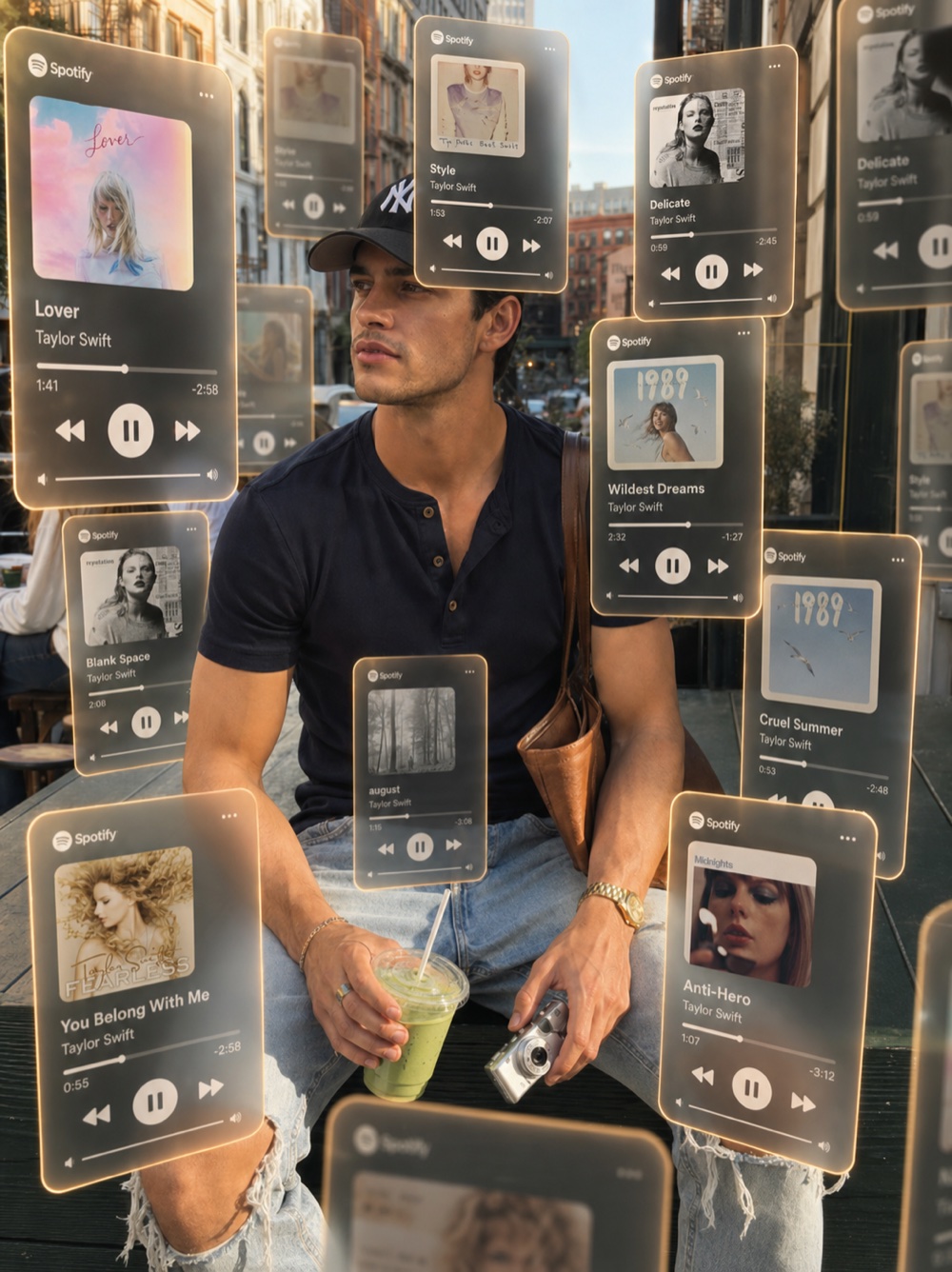
TrendingEFFECT STYLE: Floating Music Cards (Glassmorphism AR) Transform the uploaded image by surrounding the subject with floating semi-transparent music player cards suspended naturally in three-dimensional space. Your task is ONLY to add the floating interface elements while preserving the original subject, environment, lighting, composition, and camera perspective. Do NOT alter: - Subject identity - Facial features - Expression - Pose - Clothing - Hairstyle - Background - Camera angle - Composition - Lighting - Colors The subject should remain the clear focal point. --- Floating Interface Generate multiple floating music player cards positioned naturally around the subject at different distances from the camera. Characteristics: • 10–20 floating music cards • Various sizes depending on distance • Natural 3D perspective • Cards appear suspended in mid-air • Some cards overlap each other naturally • Cards positioned both in front of and behind the subject • Subject remains mostly unobstructed • Some cards partially cropped by the frame edges • Cards extend beyond the visible image boundaries • Natural spacing with no repetitive layout --- Glassmorphism Style • Frosted glass appearance • Semi-transparent background • Slight background blur visible through each card • Rounded corners • Thin white borders • Soft internal reflections • Premium Apple-style interface design • High-end iOS aesthetic • Slight translucency • Elegant minimal typography --- Depth Characteristics Create strong foreground and background separation. Foreground cards: • Largest • Closest to camera • Slightly out of focus • Partial frame crops • Strong perspective Midground cards: • Medium size • Sharpest • Positioned around the subject Background cards: • Smaller • Slight atmospheric softness • Positioned naturally behind the subject The varying scale should create obvious cinematic depth. --- Lighting Each card should receive realistic lighting from the environment. Characteristics: • Soft ambient reflections • Gentle edge highlights • Warm orange glow around the perimeter • Slight internal illumination • Physically accurate reflections • No excessive neon effects --- Music Card Layout Each card contains: • Music platform logo • Album artwork • Song title • Artist name • Progress bar • Current timestamp • Remaining time • Previous button • Play / Pause button • Next button • Small volume indicator Interface should resemble a premium modern music player while remaining generic. --- Editable Songs Replace the following values as desired: Artist: Taylor Swift Songs: • Cruel Summer • Style • Blank Space • Wildest Dreams • Delicate • August • Lover • Enchanted • Anti-Hero • You Belong With Me Album artwork should match each corresponding song. --- Overall Look The final result should resemble a premium augmented reality interface where floating music players orbit naturally around the subject, creating strong cinematic depth and immersion. The cards should feel physically present within the scene rather than simply overlaid on top of the image. Avoid: • Flat overlays • Perfect grid layouts • Excessive UI clutter • Opaque panels • Thick borders • Neon cyberpunk styling • Low-quality interface graphics • Random overlapping that hides the subject
Keep creating
Tweak the prompt or use your own photo, free.
Floating Music Cards
Now-playing song cards float around you like a walking playlist
EFFECT STYLE:

RGB Motion Trails

Apply only the motion and color separation effect while preserving the original image, subject, composition, lighting, and environment.

Do NOT alter:

- Subject identity
- Facial features
- Expression
- Pose
- Clothing
- Hairstyle
- Background
- Camera angle
- Composition
- Framing
- Crop

Characteristics:

• Sharp, perfectly focused main subject
• Multiple translucent ghosted duplicates extending in one direction
• Smooth long-exposure motion trails
• Bright magenta, pink, violet, and cyan color separation
• RGB channel displacement around moving areas
• Soft neon diffusion between each motion trail
• Motion echoes gradually fade into transparency
• Strong sense of movement while the main subject remains crisp
• Smooth optical blending between the original subject and the ghosted copies
• Slight glow surrounding the colored motion trails
• Clean separation between the sharp subject and blurred duplicates

Color Rendering:

• Vibrant magenta highlights
• Electric pink motion streaks
• Violet and cyan edge separation
• Warm-to-cool color transitions
• High color saturation without clipping
• Preserve natural skin tones beneath the effect

Lighting:

• Soft studio-style illumination
• Gentle bloom on highlights
• Subtle atmospheric diffusion
• Smooth tonal transitions
• No harsh shadows

Overall Look:

The image should resemble a professionally photographed long-exposure portrait enhanced with RGB prism effects and neon color displacement. The motion trails should feel fluid, energetic, and cinematic while maintaining a perfectly sharp primary subject.

Avoid:

• Random motion blur
• Double exposure
• Smearing
• Glitch artifacts
• Pixelation
• Excessive bloom
• Artificial AI distortions
• Loss of facial detail
Keep creating
Tweak the prompt or use your own photo, free.
Path Blur
Chromatic motion trails streak off the subject like a glitchy long exposure
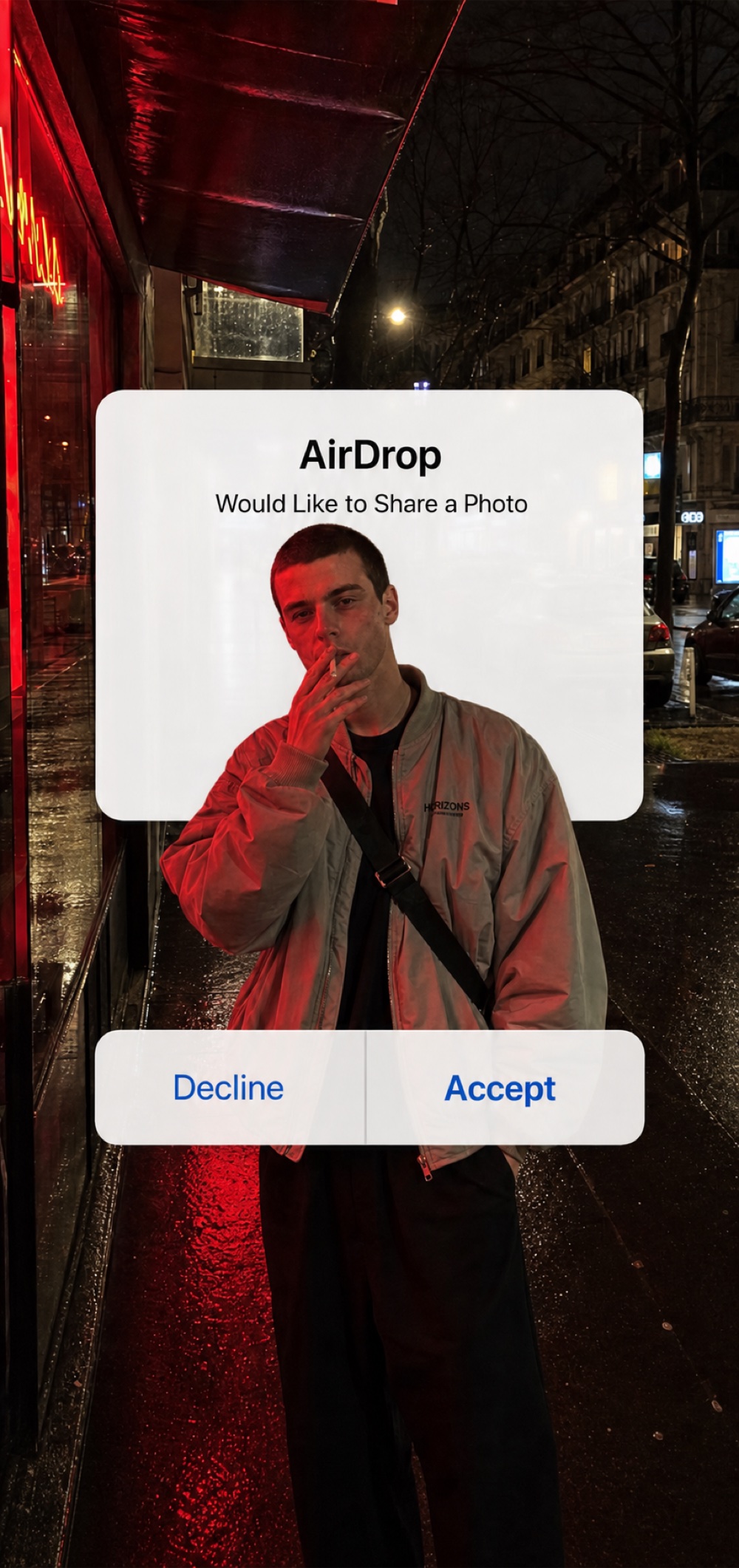
Trending## AIRDROP DEPTH OVERLAY EFFECT Add an oversized authentic iOS AirDrop permission dialog into the image with realistic foreground/background depth layering. The AirDrop popup should appear as a large iPhone system UI element floating in the scene, but it must interact with the subject through occlusion depth: • The upper white AirDrop card should appear BEHIND the subject's head, shoulders, or upper body where they overlap. • The lower button bar with "Decline" and "Accept" should appear IN FRONT of the subject's lower torso, hands, waist, or legs where they overlap. • Preserve realistic occlusion boundaries so the subject partially covers the top section of the popup, while the lower button section covers the subject. • This creates a believable depth sandwich effect: background photo → top AirDrop card → subject → bottom AirDrop buttons. • Do not place the entire popup flatly on top of the image. • Do not place the entire popup behind the subject. • The effect must look like the popup is integrated into the photo with depth, not simply pasted over it. ### Popup Design Create an authentic iOS AirDrop permission dialog. The UI should have: • Large rounded white system dialog • Smooth Apple-style continuous corners • Subtle soft drop shadow • Slight translucent iOS material look • Crisp Retina-quality typography • Clean white background • No perspective distortion • Perfectly front-facing ### Placement & Scale • Centered horizontally • Positioned across the middle of the image • Oversized, covering approximately 65–75% of the image width • Top white message card should sit around the subject's head and chest area • Bottom button bar should sit lower across the subject's waist or legs • The subject should visibly pass between the top card and bottom buttons ### Text Header: AirDrop Body: Would Like to Share a Photo tab behind the subject, rectangle, not a square Bottom buttons: Decline Accept Use authentic Apple San Francisco typography. "Accept" should be Apple system blue. "Decline" should be standard iOS blue or dark gray depending on the model's iOS interpretation. ### Final Look The final image should resemble a viral street-style iPhone photo where an oversized AirDrop dialog is visually wrapped around the subject with convincing depth. The original image content, subject, pose, clothing, lighting, camera angle, and background must remain unchanged except for the AirDrop depth overlay.
Keep creating
Tweak the prompt or use your own photo, free.
AirDrop Share Prompt
A fake iOS AirDrop popup shares the photo right inside itself
A prompt does
what a preset can't
A preset is a fixed set of sliders tuned for one photo. A prompt is instructions an AI model follows, on any photo, for free.
Cost per year
| A prompt | A preset / filter app | |
|---|---|---|
| Cost | Free | $30–$500/year, or $2–$50 per preset pack |
| Setup | Paste into any AI tool you already use | Download the app, make an account, import the pack |
| Works on | Any photo, RAW or not, edited or not | Best on a RAW file shot to match that one preset |
| Getting a new look | Write or copy a new prompt, instantly | Buy another pack, or upgrade your plan |
| Where it works | Any AI image model you already use | Locked to that one app's ecosystem |
| Customization | Edit any line of the prompt | Fixed sliders within the preset's range |
Every filter look,
explained
A quick breakdown of each look in the library, what makes it work, and why a prompt gets closer to the real thing than a fixed preset.
AI photo prompts you can paste straight into ChatGPT
Every look in this library is written as a plain AI photo prompt, the same kind of instruction people already paste into ChatGPT, Gemini, or Nano Banana along with a photo. There's no special filter model to learn, just a chat interface that accepts an image and a prompt.
- Works as a chatgpt photo prompt, a Gemini prompt, or a Nano Banana prompt, unchanged
- Plain instructions, no special syntax, any current AI image model understands them
- Treat any entry as a starting point: one of many ai photo prompt ideas you can remix into your own
What an “old photo filter” really needs to get right
Most old photo filter apps just drop a fixed sepia or grain overlay on top of your image. That's the fastest way to make a photo look edited rather than actually old. A prompt-based filter works differently: it tells the AI model to re-render the whole image with a real film-era color response, not paste a texture on top.
- Rolled-off highlights instead of a flat digital clip
- Grain that sits inside the image, not a texture layer on top of it
- A period-accurate color grade, not just “less saturation”
The disposable camera filter, without the film to develop
The disposable camera filter trend (the blown-out flash look every influencer's been using) used to require an actual $15 Kodak FunSaver and a trip to get it developed. The “Disposable Camera Flash” prompt in the library above recreates the harsh on-axis flash falloff and coarse grain of that look on any photo.
- Hard flash falloff, subject bright, background dark
- Coarse grain and slight green-cool cast typical of cheap film stock
- Works on a phone photo shot in a completely different light
Grainy photo filter, without adding noise in Photoshop
A lot of “grainy photo filter” tutorials are really Photoshop noise-layer walkthroughs, which add texture but not the color and contrast shifts that make grain look like it belongs to real film. The prompts here bundle grain structure together with the matching color response, so it reads as film, not as a filter bolted on afterward.
- Grain tied to a specific film stock's tonal curve
- Heavier in shadows and midtones, the way real film grain behaves
- No separate noise layer or texture pack needed
Vintage film filter vs. an actual VSCO alternative
“VSCO alternative” searches are usually people looking for a different app with the same presets. The honest alternative isn't another app, it's not needing an app at all. The Vintage 35mm Film prompt recreates the most-searched VSCO-style look, film-strip border and all, directly from text.
- Kodak Portra-style warmth for a classic film look
- A film-strip border and date stamp instead of a plain rectangle crop
- No account, no preset pack, no subscription tier to unlock it
Retro photo filter, minus the retro subscription price
“Retro photo filter” usually means one generic sepia slider. The Golden Hour Film Glow prompt in the library targets the specific warm, backlit 70s-style look instead, so you get the exact retro decade you're after rather than a compromise.
- Golden Hour Film Glow for warm, backlit 70s-style warmth
- A real color-temperature shift and highlight bloom, not just an orange overlay
- Pick the exact retro look you want instead of one blanket “vintage” effect
Beyond color grades: trending AI photo effects
Not every viral photo trend is a color grade. Echo Portrait & Shadow Motion, Floating Music Cards, the AirDrop Share Prompt, and Path Blur all add something to the frame rather than just re-grading it, and each one is its own prompt in the library above.
- Echo Portrait & Shadow Motion: a stroboscopic ghost-trail effect
- Floating Music Cards: glowing now-playing cards floating around you
- AirDrop Share Prompt: a fake iOS share-sheet popup baked into the photo
- Path Blur: chromatic, glitch-style motion streaks
Frequently asked questions
Everything you need to know about these AI filter prompts
What is a filter prompt?+
A filter prompt is a written AI instruction that recreates a specific camera, film or preset look on any photo, instead of a fixed set of sliders. You paste the filter prompt and your photo into an AI image model, and it renders that look on your exact subject.
Do I need VSCO, Lightroom or any preset app for this?+
No. These are AI prompts, not presets. You paste the prompt and your photo into any AI image model you already have, no app to download, no preset pack to buy.
Will this work on a photo that isn't RAW?+
Yes. Unlike Lightroom presets, which are tuned for a specific exposure and often look wrong on a photo shot differently, these prompts reinterpret the whole image, so they work on any JPEG, screenshot or already-edited photo.
Does it change my photo, or just the look?+
Just the look. Every prompt is written to keep your exact subject, pose, framing and background untouched, it only changes the color grade, grain and camera rendering, like a filter would.
Which AI tool do I need to use these prompts?+
Any image model that takes a text prompt and a reference photo works. Results vary by model. Hit "Use this prompt" to try it instantly with the prompt already filled in, free.
Is this free?+
Yes, the whole library is free, no subscription and no per-preset purchase, unlike VSCO Plus or Etsy preset packs.
Can I use the result on Instagram or TikTok?+
Yes, use the generated photo however you like. Check the terms of whichever AI image model you generate with for any rules on commercial use of the output.
Skip the
preset app
Pick a filter from the library, steal its exact prompt, and apply it to your own photo. Free, no signup, no subscription.
Browse the filter library
Every filter, its exact prompt.