
Amazon A+ Content Generator
Paste your product and get a full A+ section: which modules to use, the headline and body copy for each, and an image prompt sized to every image slot. Every module below is drawn to its real Amazon proportions, with the exact pixel dimensions.
Describe your product
Only the first field is required. The rest sharpen the copy.
Which modules do you want to create?
Each one is generated separately, so picking fewer is faster and more reliable.
A real A+ section, module by module
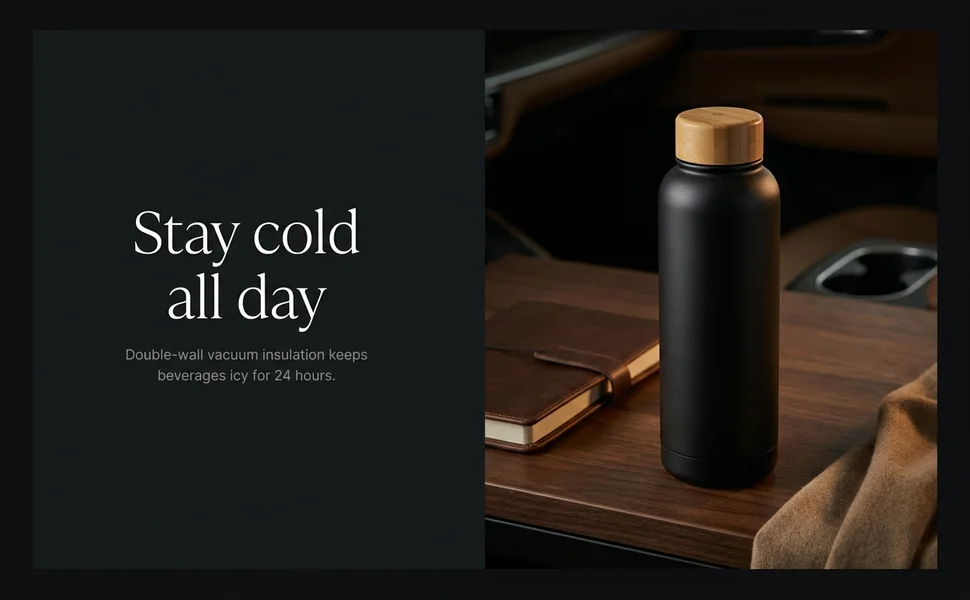
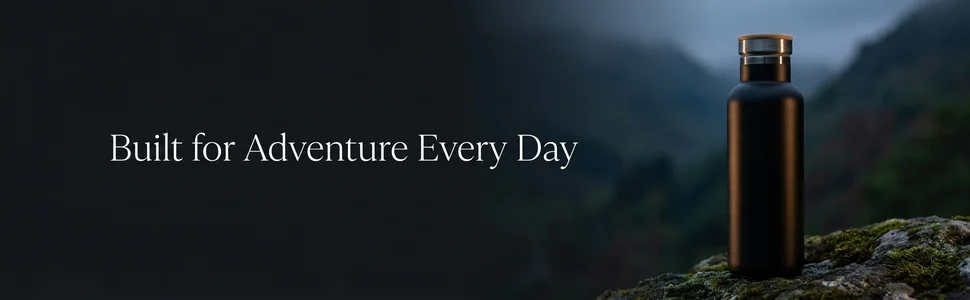
This is a working replica, not a mockup: real images at Amazon's exact module sizes, with real headline and body copy, stacked in one 970px column the way Amazon renders it. Switch products to see the same modules do a different job.
See the example for
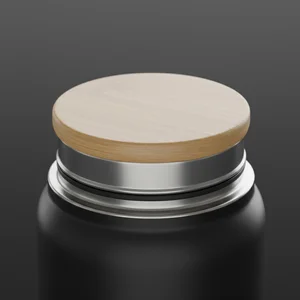
Leak‑Proof Seal
Screw‑on lid locks tight to prevent spills.
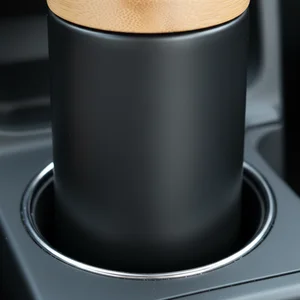
Car‑Ready Size
Slim 750ml shape slides easily into standard cup holders.
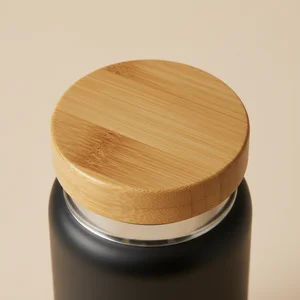
Natural Bamboo Top
Smooth bamboo lid adds a warm, tactile touch.
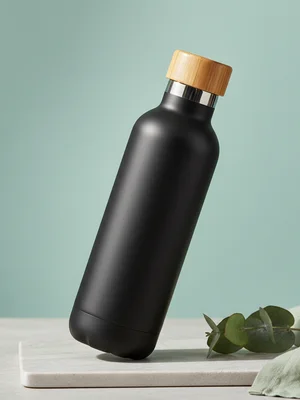
Key Features
- Powder‑coat matte finish
- Wide mouth for ice
- Easy‑clean interior
- BPA‑free
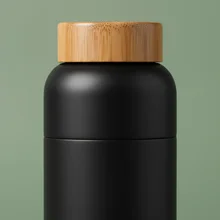
Capacity
750 ml
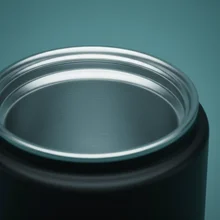
Wall Build
Double‑wall vacuum
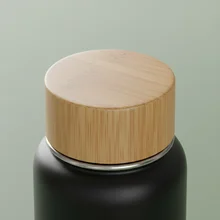
Lid Material
Bamboo & stainless
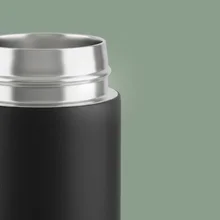
Size
Fits cup holder
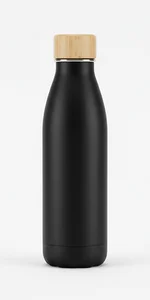 Insulated Bottle – 500 ml Insulated Bottle – 500 ml | 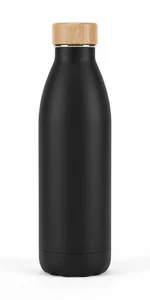 Insulated Bottle – 750 ml Insulated Bottle – 750 ml | 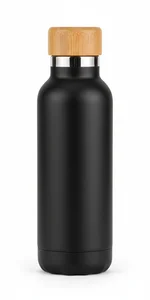 Insulated Bottle – 1 L Insulated Bottle – 1 L | |
|---|---|---|---|
| Capacity | 500 ml | 750 ml | 1 L |
| Lid Material | Bamboo | Bamboo | Bamboo |
| Height (mm) | 220 | 260 | 300 |
| Weight (g) | 280 | 320 | 360 |
How it works
Describe your product
One line is enough. Features, customer and tone sharpen the copy.
Get the full section
Module plan, headline and body for each, and an image prompt per slot.
Add your product photo
Take a prompt into any AI model, upload your own product image, generate.
Upload to Seller Central
Export at the exact module size in RGB so nothing gets cropped.
Reference
Amazon A+ Content dimensions, every module
Design at these exact pixel sizes. Amazon crops or stretches anything that does not match, and that is the single most common reason A+ images look soft on the live listing.
| Module | Image size | Slots | Best used for |
|---|---|---|---|
| Standard Company Logo | 600 × 180 px | 1 | Sits at the top of the A+ section and anchors the brand. Cheap to add, and it makes the whole section look deliberate. |
| Standard Image Header with Text | 970 × 600 px | 1 | The hero. The first thing a shopper sees after the fold, and the module that sets whether the brand feels premium or cheap. |
| Standard Full-Width Banner | 970 × 300 px | 1 | A slim divider band. Useful for a brand strapline or to break up a long section without eating vertical space. |
| Standard Three Images & Text | 300 × 300 px | 3 | The workhorse. Three benefits side by side, each with its own image. This is where most of the selling actually happens. |
| Standard Four Image & Text | 220 × 220 px | 4 | Four features in a row. Use it when the product has more selling points than a three-column layout can hold. |
| Standard Single Image & Sidebar | 300 × 400 px | 1 | One tall image beside a bulleted sidebar. The right choice when you have a list that needs room to breathe. |
| Standard Comparison Chart | 150 × 300 px | 6 | Compares up to six of your own products. It is the single best module for pushing a shopper toward the higher-priced variant. |
| Brand Story HeroPremium | 1464 × 625 px | 1 | The widest canvas available. Sits across your whole catalogue, not just one listing. |
Technical requirements
- File format
- JPEG or PNG (BMP accepted, but avoid it)
- Max file size
- 2 MB per image on Standard A+, 5 MB on Premium
- Colour space
- RGB, never CMYK
- Resolution
- Pixel dimensions are what matter, not DPI. Export at the exact module size
- Safe margin
- Keep text at least 50px from every edge
- Mobile
- Multi-image modules stack vertically, so each image must work alone
Amazon adjusts these from time to time, and the authoritative spec sits behind the Seller Central login. Confirm in the A+ upload window before you submit.
What gets your A+ rejected
- Superlative claims: "best seller", "number one", "top rated"
- Guarantee language such as "100% satisfaction guaranteed"
- Competitor brand names, or comparisons against other brands
- Screenshots or quotes of customer reviews
- Pricing, discounts, or any promotional or time-sensitive wording
- Contact details: phone numbers, email addresses, external URLs
- Shipping or warranty claims
- Unsubstantiated environmental claims
The generator is instructed to avoid all of these, but read the copy before you submit.
FAQ
Amazon A+ Content questions
What is Amazon A+ Content?
A+ Content, previously called Enhanced Brand Content or EBC, is the section of extra images and formatted text that appears below the fold on a product page. Instead of a plain bullet list you get modules: hero banners, three-image benefit rows, comparison charts and so on. It is available to sellers enrolled in Amazon Brand Registry, and to vendors.
What size do A+ Content images need to be?
It depends on the module. The most common are 970x600 for the image header, 970x300 for the full-width banner, 300x300 for a three-image row, 220x220 for a four-image row, 135x135 for a four-image quadrant, 150x300 for comparison chart cells and 600x180 for the company logo. Export at the exact module size in RGB, under 2 MB on Standard A+.
Is DPI important for A+ images?
No, and this trips a lot of sellers up. DPI is a print measurement and it has no effect on how an image displays on a screen. What matters is the pixel dimensions. A 970x600 image at 72 DPI and the same image at 300 DPI look identical on Amazon. Match the pixel size and ignore DPI entirely.
Why does Amazon keep rejecting my A+ Content?
Nearly always the copy, not the images. The usual causes are superlatives like "best seller" or "number one", guarantee wording such as "100% satisfaction guaranteed", naming a competitor, quoting customer reviews, mentioning price or a promotion, or including a phone number, email or website address. This tool avoids all of those when it writes.
Can I put text inside the images?
Yes. Unlike your main product image, where text overlays are banned, A+ module images are allowed to contain text. Keep it at least 50px from the edges, and remember multi-image modules stack vertically on mobile, so each image has to make sense on its own.
How many modules should I use?
Five to seven is the practical sweet spot. Amazon allows more, but shoppers rarely scroll past the first few, and each extra module is another asset to produce and maintain. Lead with the hero, put your strongest three benefits next, and use the comparison chart to move people up your own range.
Does this generate the images too?
No, it writes the copy and the image prompts. You take a prompt into any AI image model, add your own product photo, and generate. That is deliberate: the images have to show your actual product, and only you have that.
Is it free?
Yes, no signup and no limit. It runs on a free model, so generating can take up to a minute and very occasionally needs a second attempt.
Build your A+ section in a couple of minutes
Free, no signup, and the image prompts work in any AI model you like.