
What is product photography actually selling?
Product photography is the practice of shooting a product so it looks its best and sells: clean hero images for listings, and styled lifestyle scenes that show what the product is about. The hero image proves what you get; the lifestyle scene sells the feeling. A cream on a bed of peaches says fresh and natural before anyone reads the label, a ring on black marble says irreplaceable, a bottle in a water splash says cold and refreshing. AI product photography lets you produce both without a studio, a set or a photographer's day rate: you describe the scene, and the model renders it.
Why the scene matters more than the studio
Great product shots are built from a few repeatable choices: the surface (marble, silk, wet slate, raw wood), the light (soft daylight for calm and natural, hard strobe for energy and gloss), and the supporting cast (the ingredients, props or splash that tell the story). Change those three and the same product reads completely differently. That is good news, because it means you do not need new equipment for a new look, you need a new prompt. Each shot in this library is one of those recipes, already written, so you can steal the surface-light-story combination and point it at your own product.
How to shoot your own product with AI
There are two paths, and this page covers both. From text: describe the product and the scene in detail (surface, lighting, props, mood) and ask an image model for a photorealistic product shot. Every ready-made shot below is exactly that, already written. From an image: upload one clear photo of your product and use a scene template, which tells the model to keep your product's exact shape, label and color while rebuilding the scene around it. Either way, be specific about lighting and surface, name the props or ingredients you want, ask for realistic shadows and reflections, and add camera keywords like 100mm macro or DSLR for a photographic finish. If the label drifts, generate a few variations and pick the closest, or touch it up.
Product photography ideas by niche
Different products want different scenes. Skincare and cosmetics reward ingredient stories and marble or dewy daylight. Jewelry needs controlled reflections, so silk, black marble and low-key light do the work. Candles are mood pieces: dried florals and soft morning light for cozy, smoke and deep shadow for luxury. Food and beverage want freshness and motion, splashes, condensation, backlit honey and drips. The gallery above is organized by exactly these niches so you can start from the closest idea and adapt it, rather than staring at a blank prompt.
The ready-made shots
Studio-grade product shots across skincare, jewelry, candles and food and drink, each with the complete prompt behind it. Copy one, then swap the product, ingredients or colors for yours.
Skincare & Cosmetics
Orange Cream Jars, Street Tote
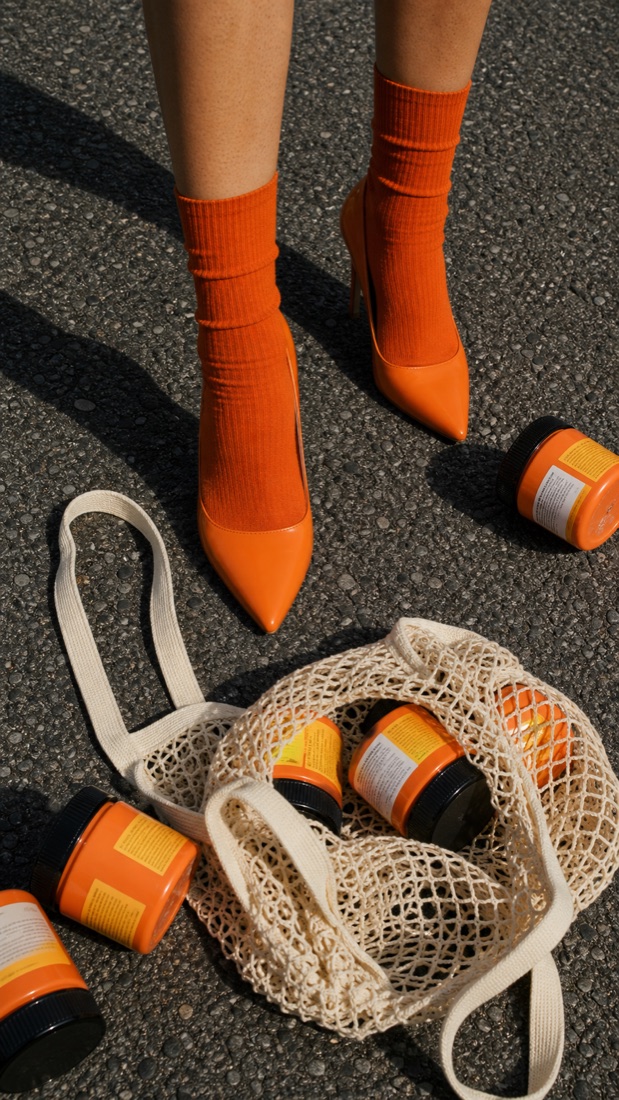
Cosmetic product photography does not have to happen on a white sweep. This street-styled shot places a set of orange cream jars in a cotton net tote on rough asphalt, matched to burnt-orange socks and glossy heels shot from the calf down, with hard midday sun throwing long editorial shadows. It reads like a fashion campaign that happens to sell skincare, the kind of scroll-stopping beauty content that works for a brand launch, a Reels cover or a lookbook.
Poolside Pump Bottles
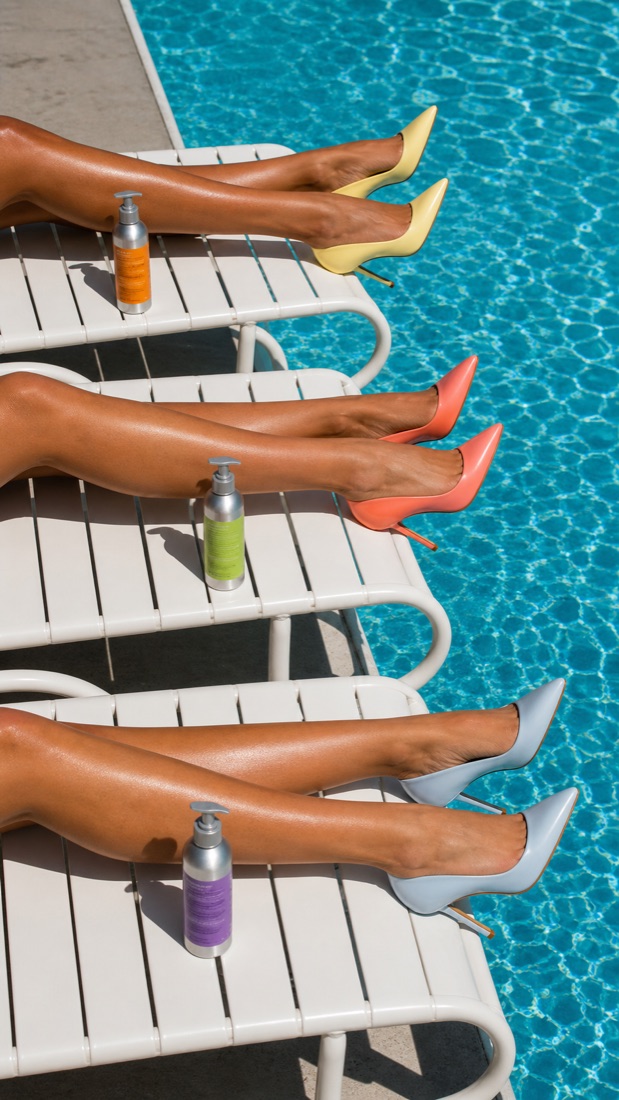
Body-care and sun-care brands live on summer mood, and this poolside setup delivers it in one frame: three silver pump bottles with colored labels stand on white vinyl loungers while tanned legs in pastel stiletto heels stretch over bright turquoise water, all under hard midday sun. The repetition of loungers and bottles gives a clean campaign rhythm, and the water and skin do the aspirational work. It is a ready-made hero for lotion, sunscreen and haircare.
Serum, Iced Coffee & Keys
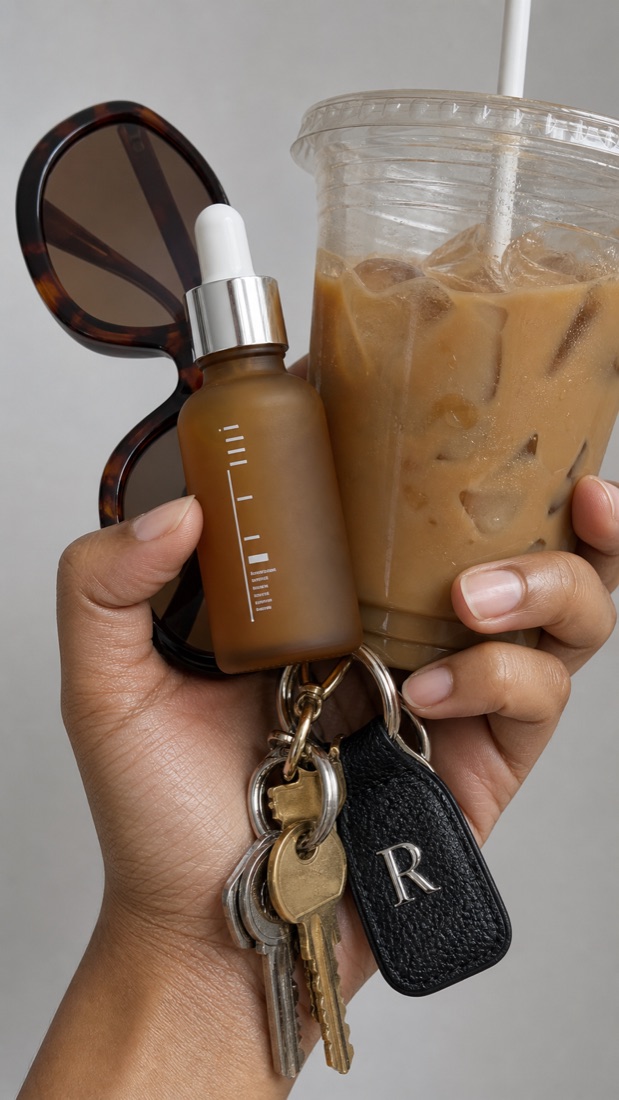
The best skincare content shows the product inside a life, not on a pedestal. This shot loads one hand with a frosted amber serum dropper, an iced coffee, tortoiseshell sunglasses and a leather keychain against a soft gray studio background, so the serum reads as an everyday essential you grab on the way out. The neutral palette and clean light keep the hero bottle sharp while the props tell the story, ideal for serums, oils and minimalist beauty brands.
Jewelry
Stacked Rings, Ice-Cream Moment
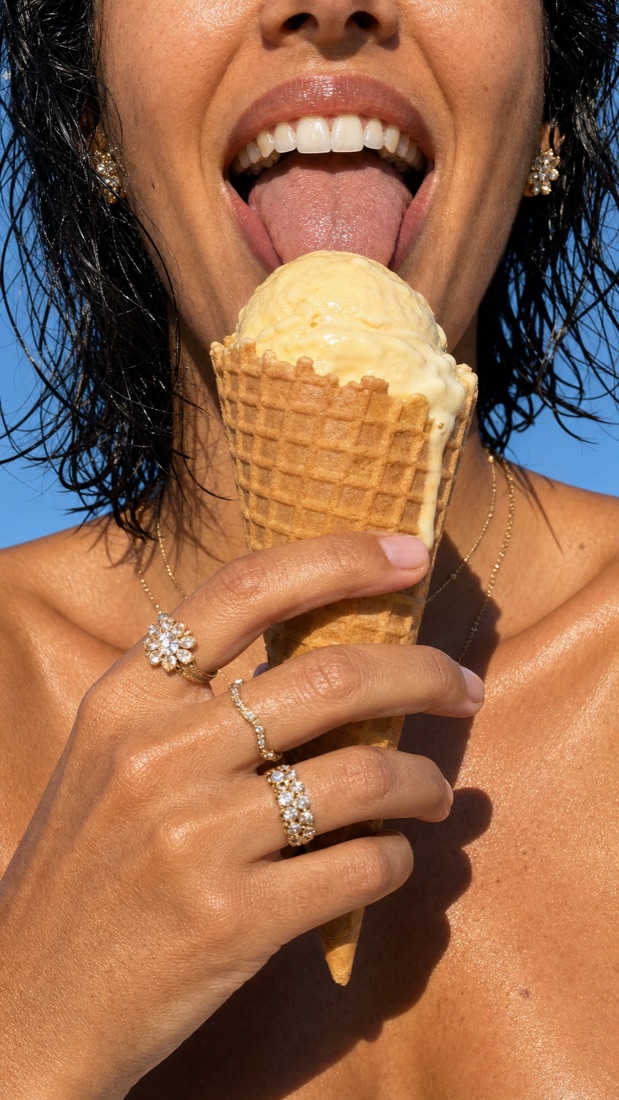
Jewelry photography does not always mean a still hand on velvet. This shot styles stacked crystal cocktail rings and floral cluster earrings on a sun-lit hand gripping a melting waffle cone, mouth mid-lick against a clear blue sky. The candid, joyful energy makes the pieces feel wearable and covetable rather than precious and untouchable, the kind of lifestyle jewelry content that performs on social for demi-fine and statement brands.
Gold Jewelry on Sky Blue
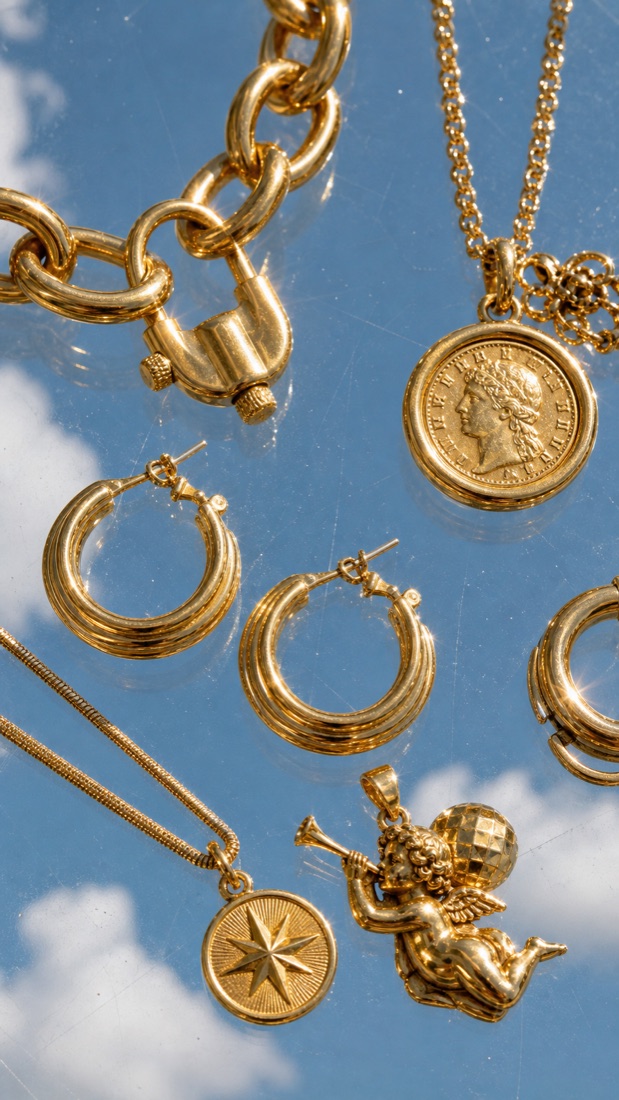
A cohesive jewelry collection deserves a shot that lets every piece shine, and this floating flat lay does exactly that: chunky gold chains, ribbed hoops, a coin pendant and a cherub charm arranged on a mirrored surface that reflects a soft cloud-blue sky. Bright directional sun throws sparkling star glints across the metal while the reflections add depth, giving a gold or demi-fine collection an editorial, almost heavenly product image for a homepage banner or a launch grid.
Candles
Grapefruit Candle in Citrus
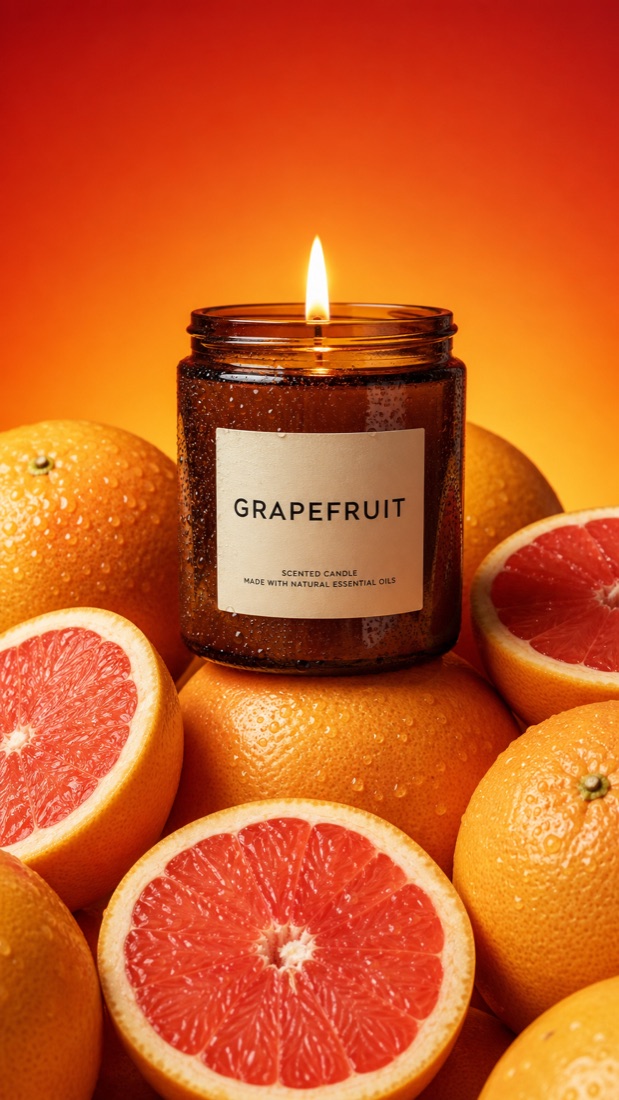
Scented-candle photography works best when the image tells you how the candle smells, and this shot makes the scent unmistakable: an amber glass candle labeled GRAPEFRUIT glows atop a pile of whole and halved grapefruits, their pink flesh and dewy peel catching the light against a warm red-orange gradient. It is the ingredient-story approach applied to home fragrance, a bright, appetizing hero shot that suits citrus and fruit-scented candle lines on a product page or an ad.
Food & Beverage
Snack Tub, Cobalt Toss
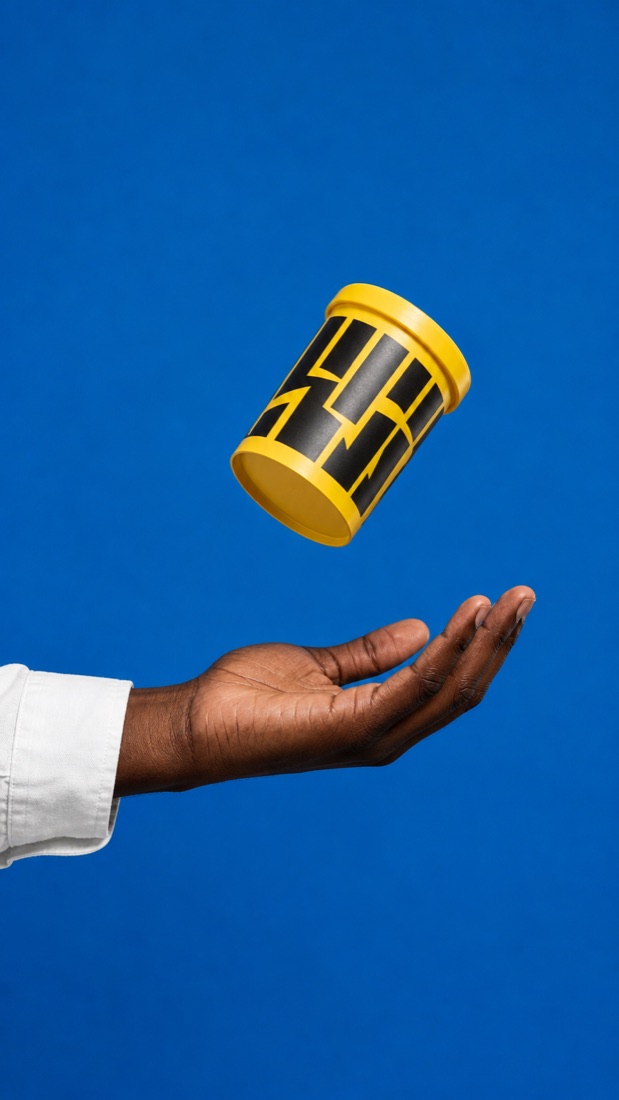
Sometimes the strongest product photography is the simplest: a single bright yellow snack tub frozen in mid-air above an open palm, set against a flat cobalt-blue background with acres of negative space. The color clash and the caught-in-motion feel make it pop at thumbnail size, exactly what a snack or CPG brand needs for a bold ad, a packaging hero or a feed that has to stop the scroll.
Strawberry Shake, Seaside Selfie
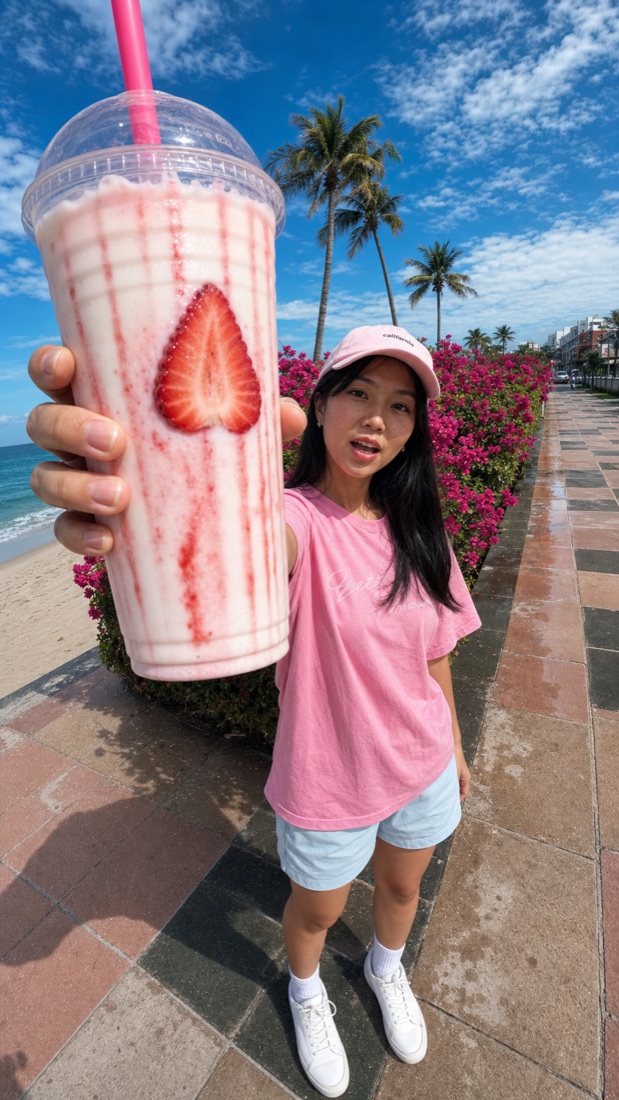
Drink brands and cafes win on freshness and authenticity, and this ultra-wide selfie nails both: an oversized strawberry milkshake, syrup streaked down the cup and a sliced strawberry pressed to the glass, thrust toward the lens on a palm-lined seaside promenade. The exaggerated foreground and candid pose read as real UGC rather than a studio setup, the exact style that goes viral for beverages, smoothies and dessert drinks.
Pomegranate Cans in a Blue Basket
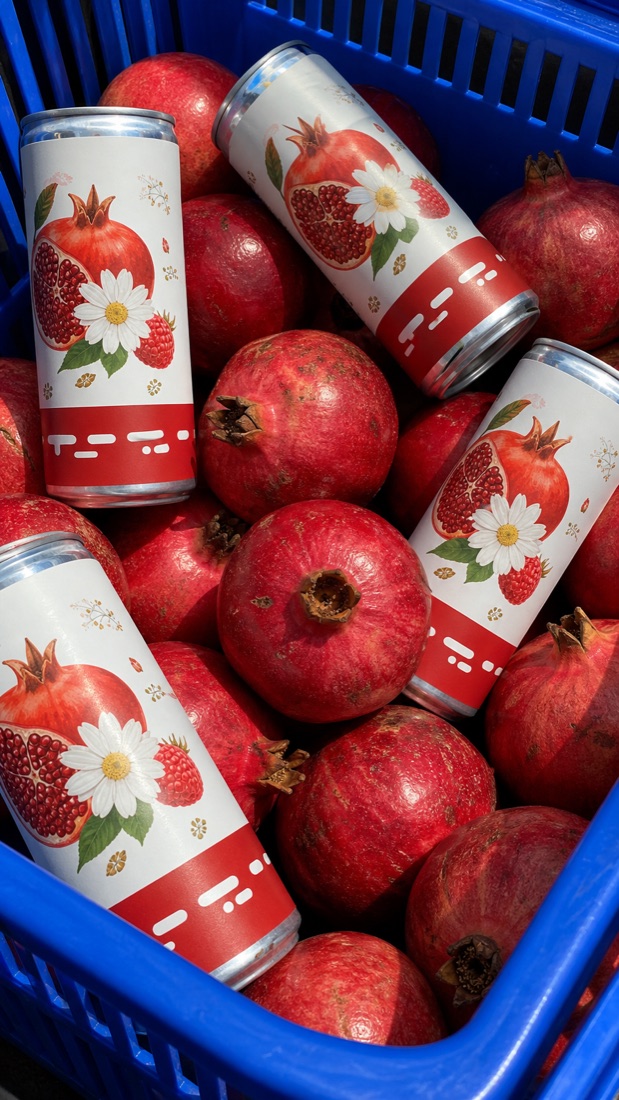
Beverage photography that leans on real fruit sells the flavor instantly. This overhead shot tucks slim botanical-label cans among glossy red pomegranates in a vivid cobalt shopping basket, hard daylight raking across the metal and fruit for crisp, saturated contrast. It reads like a fresh market haul, which is the perfect frame for a pomegranate juice, a seltzer or a functional drink that wants to look natural and premium.
Raspberry Gelato on Ice
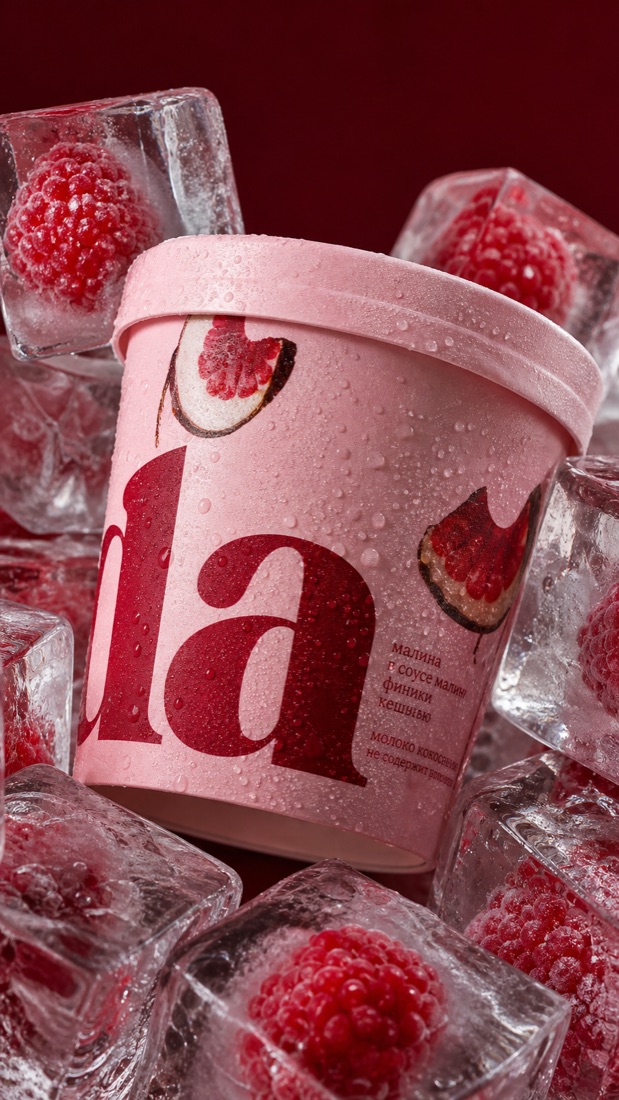
Frozen-dessert photography has to feel cold, and this macro shot sells it: a blush-pink gelato tub beaded with condensation, packed tightly in chunky clear ice cubes with whole raspberries frozen inside, against a deep burgundy backdrop. The refraction, frost and glossy meltwater make the whole frame read as freezer-fresh and premium, an ideal hero for ice cream, gelato and sorbet launches.
Fruit Water Trio, Coral Splash
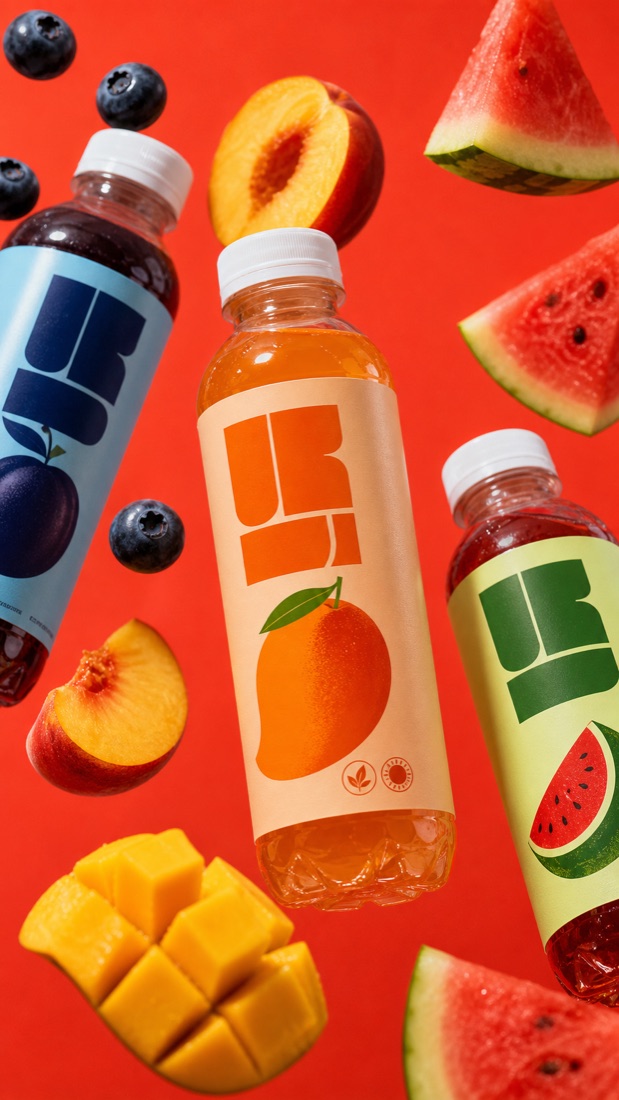
Flavored-water and juice brands need energy, and this gravity-defying shot delivers: three bottles in peach, berry and watermelon colorways float amid frozen fruit, blueberries, peach halves, mango and watermelon wedges, on a saturated coral-red background. The frozen motion and bright color make a multi-flavor lineup feel fun and refreshing, a punchy hero for a product range, a launch banner or a paid ad.
The scene templates
Copy-paste looks for your own product. Every template keeps your product exactly as it is and rebuilds the scene, lighting and props around it from one uploaded photo.
White Background Hero
White background product photography is the format marketplaces effectively require, and it is the fastest win a seller can get from AI. This template drops your exact product onto a seamless pure-white studio backdrop with soft, even lighting and a subtle natural contact shadow, so the result looks professionally shot rather than cut out. It satisfies Amazon and Etsy image rules, keeps listings looking consistent, and gives you a clean hero image without renting a lightbox or a studio. Upload one clear photo of your product and you get a catalog-ready shot on white.
Marble Surface
A marble surface is the shortcut to premium: the cool veined stone reads as clean, expensive and editorial, which is why beauty and skincare brands lean on it so heavily. This template sets your product on a polished white marble slab in soft, directional daylight with a gentle shadow and a hint of reflection, elevated enough to feel like a magazine still but clean enough for a product page. It is the middle ground between a stark white background and a busy lifestyle scene, and it flatters bottles, jars, compacts and small luxury goods.
Water Splash
A water splash instantly makes a product feel fresh, cold and in-motion, which is why it is a staple for beverages and fresh skincare. This template freezes your exact product inside a dramatic crown of clear water and flying droplets, lit hard so every drop stays sharp. The frozen action turns a static product into something that looks refreshing and energetic, perfect for a hero banner or a scroll-stopping social post. Upload your product and the splash is built around it without touching the product itself.
Fresh Ingredients
The ingredient-story shot is the most persuasive product photo in beauty and food because it shows what is inside before anyone reads the label. This template arranges the ingredients your product is made from or scented with, fruit, botanicals, herbs, nuts, around your exact product in soft natural light, so a peach cream sits among fresh peaches and a honey balm sits beside dripping comb. It is the cream-on-fruit look, applied to whatever you sell. Upload your product and name the ingredients you want in the scene.
Flat Lay
A flat lay tells a story from above: the product plus the props that place it in a life. This template shoots your exact product top-down on a styled surface with a few complementary props arranged around it, evenly lit so everything stays readable. Flat lays are ideal for bundles, sets and routines because they show more than one item and imply how the product is used. Upload your product, suggest the surface and props, and get a clean, styled overhead shot that works for social grids, banners and bundle listings.
Bold Color Backdrop
A saturated color backdrop is the fastest way to make a product feel bold and brand-forward. This template drops your exact product onto a seamless, vivid color sweep (cobalt, coral, mint, whatever fits your brand) with soft studio light, a crisp shadow and plenty of negative space for copy. It reads like a campaign key visual and pops at thumbnail size, ideal for launches, paid ads and a color-blocked social grid. Upload your product and name the background color you want.